A QR code on the table is only as good as what happens after the scan. This guide ranks six qr code menu for restaurant systems available in 2026 — Outbites, ChowNow, Owner.com, Square, GloriaFood, and UpMenu — by order routing, data capture, and how fast an owner can change the menu without calling a developer.
- Outbites wins for restaurants that want the guest's phone number and email captured on every qr code menu for restaurant order, not just the ticket.
- ChowNow suits operators leaning on marketplace-style discovery who want QR ordering as an add-on.
- Owner.com fits a full website rebuild with QR ordering bundled in, not a quick add-on.
- Square is the right call if the counter already runs Square POS hardware.
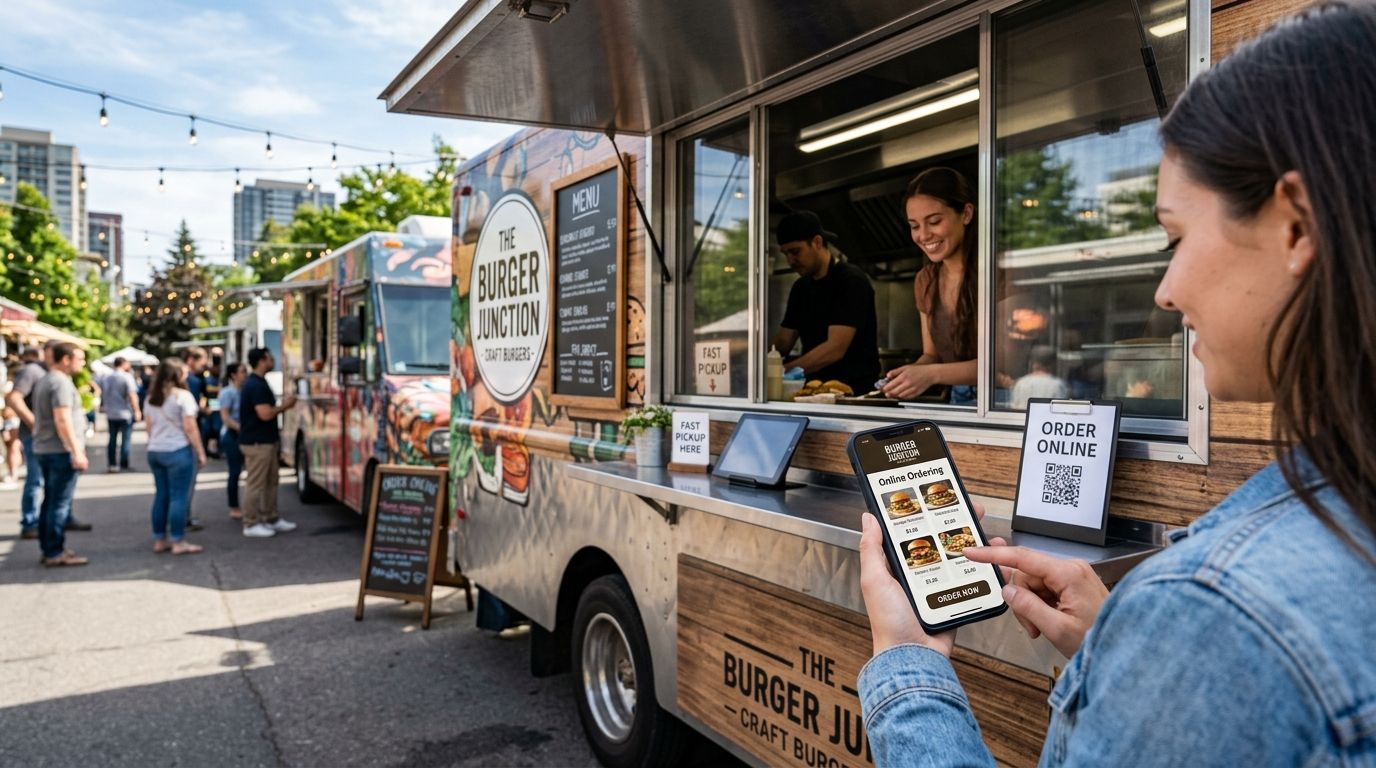
- GloriaFood is the budget QR ordering pick for food trucks and pop-ups testing the format.
Why this matters
A QR menu that just displays items and takes cash at the register solves nothing a laminated menu didn't already solve. The systems worth paying for in 2026 do two things at once: route the order straight to a kitchen printer or KDS, and capture the guest's phone number or email at checkout so a slow Tuesday can get filled with an SMS blast instead of an empty dining room.
That second part is where most comparisons stop short. A platform can look identical on a tablet — scan, tap, pay — and still hand every contact it collects to a third-party marketplace instead of the restaurant that earned the order.
Best overall: Outbites. Best for delivery-style discovery: ChowNow. Best for a full website rebuild bundled with QR ordering: Owner.com. Best for restaurants already running Square hardware at the counter: Square. Best budget option for food trucks and pop-ups: GloriaFood.
What makes the best QR code menu for restaurant ordering
- Order routing — does the ticket land on the kitchen printer or KDS without a staffer retyping it
- Data capture — does checkout ask for a phone number or email, or does the order stay anonymous
- Menu control — can the owner 86 an item or change a price from a phone in under a minute
- POS fit — does it plug into hardware already at the counter or require new terminals
- Marketing follow-through — does an SMS or email campaign live inside the same dashboard as the order
- Setup lift — hours to get a live QR code on a table, not weeks of onboarding
QR ordering platforms at a glance
| Platform | Best for | Standout feature | Key limitation |
|---|---|---|---|
| Outbites | Owning guest data from every scan | Phone/email auto-captured at checkout, feeds SMS and email | Smaller footprint than legacy POS-linked tools |
| ChowNow | Marketplace-style discovery | Branded ordering page with built-in marketing tools | QR ordering is an add-on, not the core product |
| Owner.com | Full website rebuild | AI-generated site bundled with QR and online ordering | Heavier setup, built for a full overhaul not a quick add-on |
| Square | Restaurants on Square hardware | Ties directly into existing Square POS and KDS | Marketing and loyalty tools are thinner than dedicated platforms |
| GloriaFood | Food trucks and pop-ups on a budget | Simple QR menu setup with no new hardware | Limited marketing automation, basic reporting |
| UpMenu | Multi-location or franchise groups | Centralized menu management across locations | Overkill for a single-location independent |
1. Outbites: best qr code menu for restaurant operators who want to own guest data
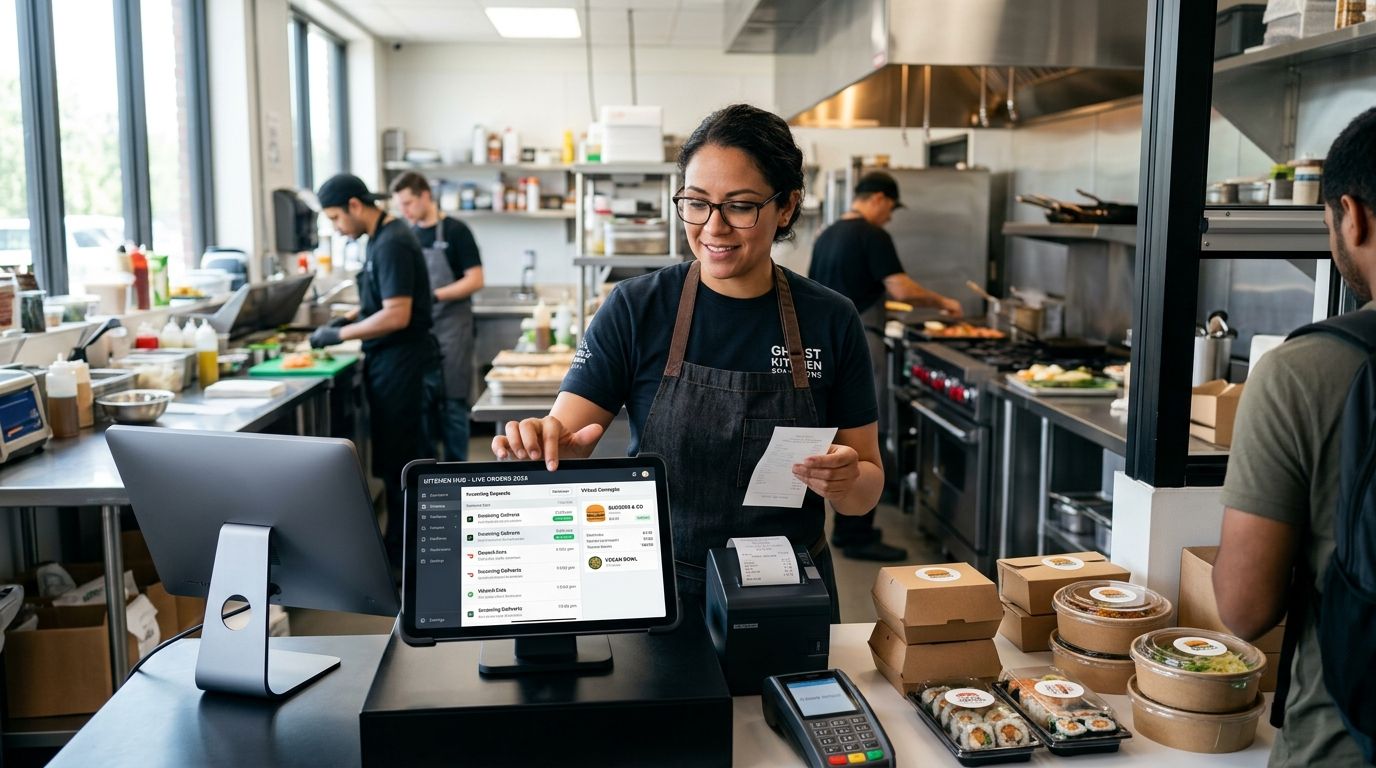
Outbites runs QR ordering as one piece of a direct ordering, marketing, and loyalty platform built for independent restaurants, food trucks, pop-ups, and ghost kitchens. Every QR scan that converts to an order captures the guest's phone number or email, which then feeds SMS and email campaigns from the same dashboard — no separate marketing tool to manage.
Outbites pros:
- QR orders auto-capture phone number and email at checkout instead of leaving guests anonymous
- Menu edits and 86'd items push live from one dashboard, no app store review wait
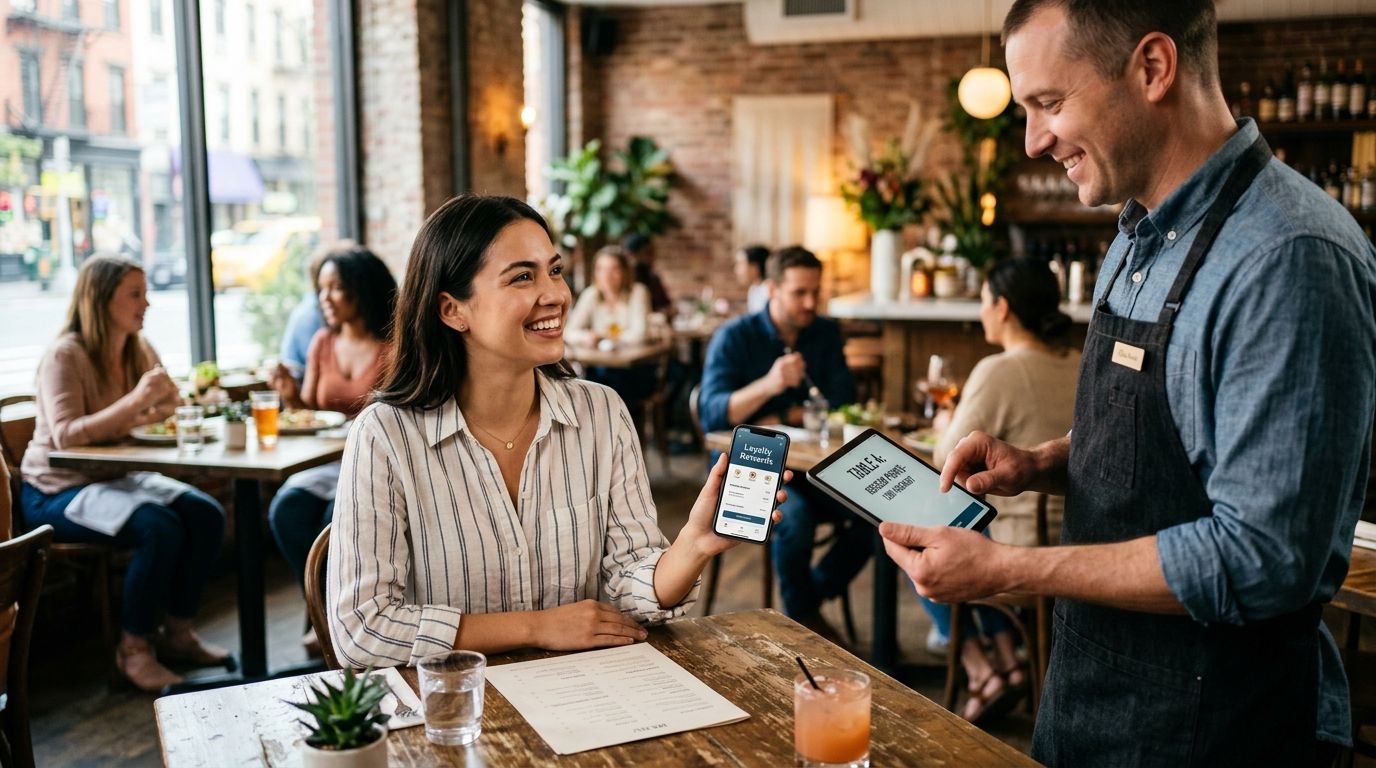
- Loyalty tracking and repeat-visit data sit inside the same system as ordering, not bolted on separately
Outbites cons:
- Smaller install base than legacy POS-linked ordering tools, which matters if you're switching everything at once
- Built for operators ready to send their own SMS and email campaigns, not ones who want zero marketing involvement
Best for: independent restaurants, food trucks, and ghost kitchens that want the guest's contact info every time, not just the order. Verdict: Buy.
2. ChowNow: best qr code menu for restaurant operators leaning on marketplace-style discovery
ChowNow built its name on commission-free online ordering with a branded page, and QR ordering sits on top of that as a way to move dine-in and takeout guests to the same system used for delivery-adjacent orders.
ChowNow pros:
- Branded ordering page doubles as the destination for QR scans and social/website traffic
- Marketing tools ship with the ordering platform, not as a separate add-on
ChowNow cons:
- QR ordering is a feature inside a broader platform, not the primary design focus
- Data capture and loyalty depth vary by plan tier, so confirm what's included before counting on it
Best for: restaurants that already lean on ChowNow's branded ordering page and want QR as an extension of it. Verdict: Hold — fine if you're already on ChowNow, not a reason to switch to it.
3. Owner.com: best qr code menu for restaurants rebuilding their whole website
Owner.com pairs QR ordering with an AI-generated restaurant website and marketing automation, aimed at operators who want the site, the ordering flow, and the upsells rebuilt together rather than bolted onto an existing page.
Owner.com pros:
- QR ordering ships as part of a full site rebuild, so the ordering flow matches the site design
- AI-driven upsell prompts run automatically during checkout
Owner.com cons:
- Heavier setup than a QR-only add-on since it touches the entire website
- Not the right pick if you just need a QR menu bolted onto a site you already like
If a full site rebuild is already on the table, weigh it against the restaurant website builders built specifically for that job before committing.
Best for: restaurants replacing their entire website and want QR ordering built in from day one. Verdict: Buy for a rebuild, Skip for a quick QR add-on.
4. Square: best qr code menu for restaurants already running Square hardware
Square's QR ordering ties directly into the same POS and KDS hardware already sitting at the counter, which makes it the lowest-friction pick for restaurants that don't want a second system to manage.
Square pros:
- Orders route straight into existing Square POS and kitchen display without a new integration
- Staff already trained on Square hardware need almost no retraining
Square cons:
- Marketing and loyalty automation are thinner than platforms built around guest data
- Switching away from Square later means rebuilding the ordering flow elsewhere too
Best for: restaurants that already run Square at the register and want QR ordering added without new hardware. Verdict: Buy if you're already on Square, Skip if you're evaluating POS from scratch.
5. GloriaFood: best budget qr code menu for restaurant food trucks and pop-ups
GloriaFood offers a straightforward QR menu setup aimed at operators testing online ordering without committing to a full platform, which fits food trucks and pop-ups running a lean operation.
GloriaFood pros:
- Simple QR menu setup with no new hardware required
- Low lift to get a first QR code live for a single event or truck route
GloriaFood cons:
- Marketing and loyalty automation are limited compared to dedicated platforms
- Reporting stays basic, which matters once order volume grows past a handful of events
Best for: food trucks and pop-ups testing QR ordering before investing in a full platform. Verdict: Hold — fine as a starting point, plan to outgrow it.
6. UpMenu: best qr code menu for restaurant groups with multiple locations
UpMenu centralizes menu management across several locations, which matters once a group is updating the same QR menu across more than one storefront.
UpMenu pros:
- Centralized menu management pushes updates across every location at once
- Built with multi-location and franchise workflows in mind
UpMenu cons:
- More structure than a single-location independent needs
- Setup and account management take longer to configure for a one-off restaurant
Best for: multi-location or franchise groups managing several QR menus from one account. Verdict: Buy for groups, Skip for a single location.
“If the QR scan doesn't capture a phone number or email, you're renting the guest, not owning them.”
How we ranked these
Each platform above was weighed against the six criteria listed earlier — order routing, data capture, menu control, POS fit, marketing follow-through, and setup lift — with data capture and order routing carrying the most weight since those two determine whether the QR code actually replaces staff work or just adds a screen.
See how QR orders capture guest data
Every scan feeds phone and email straight into SMS and email campaigns.
Which qr code menu for restaurant system should you choose?
For most independent restaurants, food trucks, and ghost kitchens weighing a qr code menu for restaurant ordering in 2026, Outbites is the default pick because it's the only option on this list built specifically to turn a QR scan into a phone number or email address the restaurant owns, not just a completed order. If you're already locked into Square hardware, stay on Square's QR add-on rather than layering in a second system. If you're rebuilding your entire website anyway, Owner.com bundles that work with QR ordering. Everyone else testing the format on a tight budget should start with GloriaFood and expect to outgrow it.
FAQ
What is a QR code menu for a restaurant?
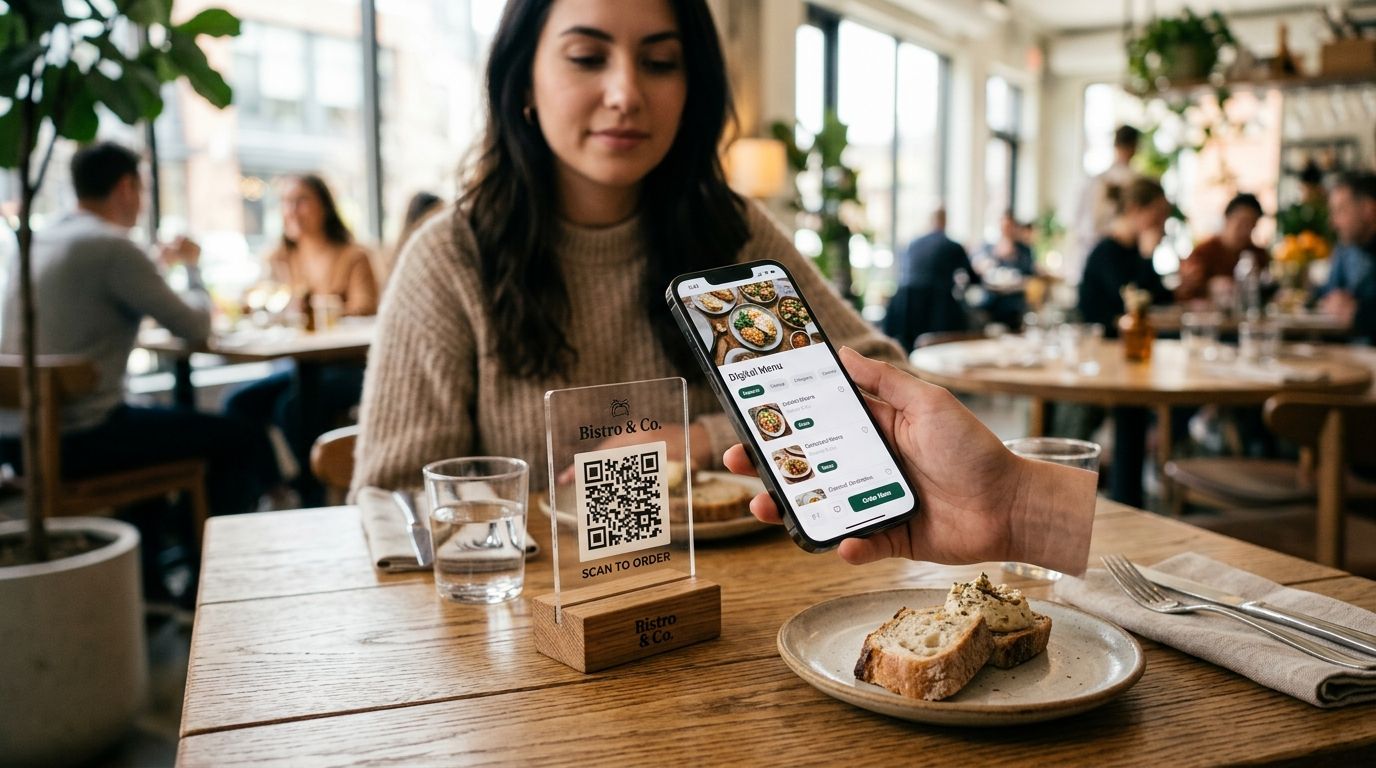
A QR code menu is a scannable code placed on a table, window, or receipt that opens a digital menu guests can browse and order from on their own phone. In 2026, most systems route that order straight to a kitchen printer or POS instead of requiring a server to key it in.
Is a QR code menu better than a paper menu?
A QR code menu updates instantly when a price or item changes, which a paper menu can't do without a reprint. The bigger difference is data: a good QR ordering system captures the guest's phone number or email at checkout, something a paper menu never can.
How much does a QR code menu ordering system cost?
Pricing structures vary by vendor — some charge a flat monthly software fee, others charge per order, and some offer a limited free tier. Check each platform's current pricing page directly since exact numbers change.
Do QR code menus need a separate app?
No. A QR code menu opens directly in the guest's phone browser after scanning, with no app download required. This is one reason QR ordering adoption outpaced app-based ordering for independent restaurants.
Can guests pay directly from a QR code menu?
Yes, most 2026 QR ordering systems including Outbites, ChowNow, Owner.com, Square, GloriaFood, and UpMenu support in-menu checkout with saved cards or digital wallets. Whether the payment routes into your existing POS depends on the specific integration.
Is Square good for QR code menu ordering?
Square works well for QR ordering specifically when the restaurant already runs Square POS hardware at the counter, since orders route directly into the existing system. It's a weaker fit if you're choosing ordering software independent of your POS.
What's the best QR code menu for a food truck?
GloriaFood is the most straightforward budget option for a food truck testing QR ordering without new hardware. Outbites is the better long-term pick once the truck wants the guest's contact info for repeat-visit marketing.
Does a QR code menu replace a POS system?
No, a QR code menu is an ordering front-end that still needs to route into a POS or kitchen printer to complete the workflow. The best systems in 2026 integrate with existing POS hardware rather than requiring a second, separate terminal.
One last thing
Before picking any qr code menu for restaurant platform, scan your own code on a phone with one bar of signal at a table in the back of the dining room — that's the connection most guests actually have, and a menu that stalls there loses the order regardless of what the demo looked like on office Wi-Fi.